
Global video campaigns often have plenty of source content. The real bottleneck is turning one successful video into several language versions without multiplying tools, handoffs, and review cycles. That challenge shaped a webinar Clearly Local hosted this week.
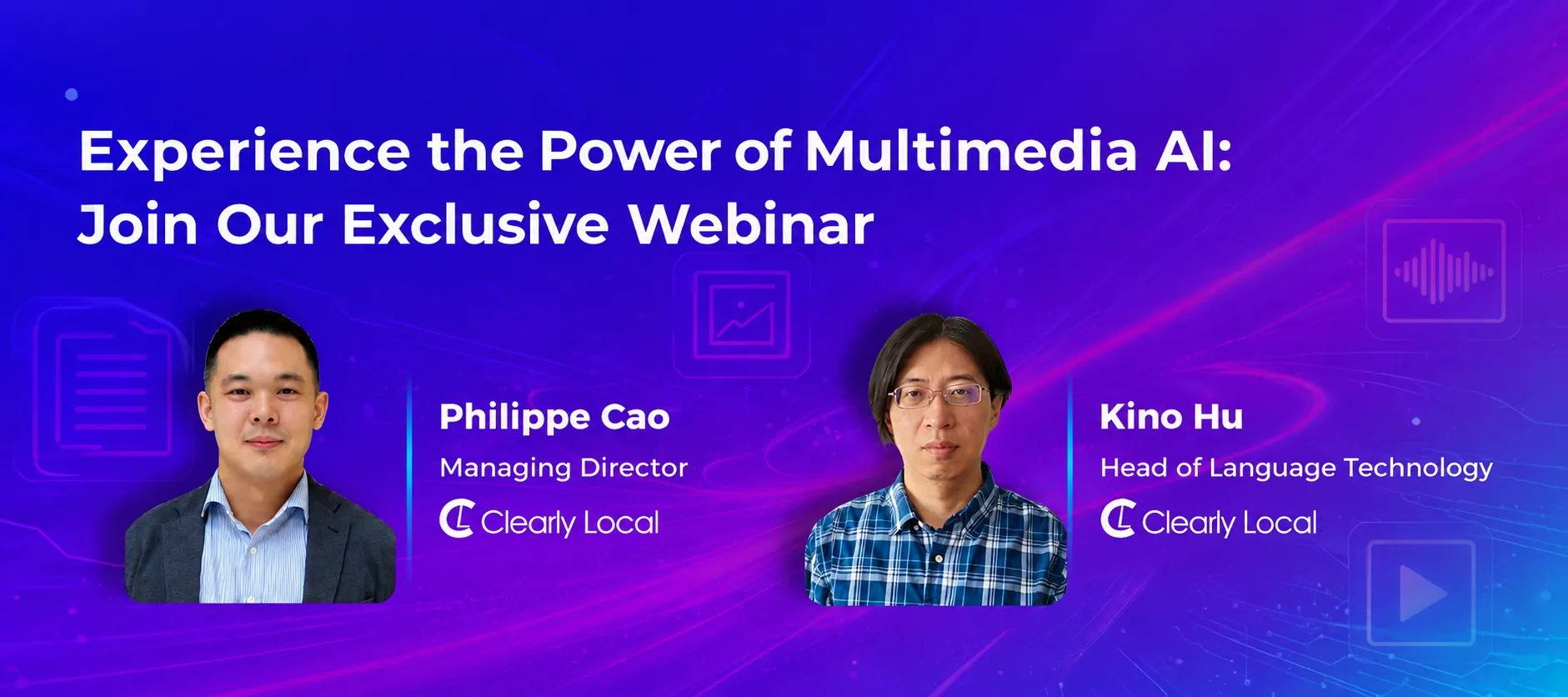
The two sessions, one in Chinese and one in English, featured Philippe Cao, Managing Director, and Kino Hu, Head of Language Technology. Their message: AI can remove much of the manual effort, but its value increases when connected to professional review and managed end to end. ClipLocal puts that approach into practice, and Kino’s live demo showed how. This recap covers the main insights.
Why Multilingual Video Matters
Video is now a core business communication channel. It helps companies attract customers, generate leads, explain products, and reduce support questions, especially in short-form formats on platforms such as YouTube and Tiktok.
The webinar shared several notable industry figures. Clips under one minute achieve an engagement rate of roughly 82%, while engagement drops sharply for longer videos. According to YouTube data presented during the session, multilingual versions can receive three times more views, localized short videos can see a 45% engagement uplift, and content watched in the viewer’s native language can increase watch time by 40%.
In short, global audiences prefer content in their own language. Subtitles and dubbing reduce the effort required to follow a video, helping brands reach more people with content they already produce.
Why Traditional Workflows Slow Teams Down
Ten years ago, a single localization project could involve 20 to 30 discrete steps, many stakeholders, and several disconnected tools. Scripts were processed in one system, translated in another, and then passed to multimedia specialists for subtitles or dubbing.
This made projects slow and expensive to coordinate. It also created version-control and file-management overhead, while every revision could restart much of the workflow. Product and technical videos often need updates, so those costs can continue long after launch.
AI has improved individual tasks such as speech-to-text and voice generation. However, generating useful AI output is not the same as delivering a finished localized video. Teams still need to integrate assets, manage reviews, maintain terminology, and keep language versions aligned. ClipLocal was built to close that gap.
ClipLocal: One Connected Localization Workflow
ClipLocal is a centralized platform for managing the full video localization process. Teams can upload a video with or without an existing script, then move through four stages: transcript, translation, dubbing, and final render. Subtitles and dubbing are optional, so users can produce subtitles only, dubbing only, or both.
The platform uses speech-to-text for transcripts, machine translation for target-language subtitles, and AI voices for dubbing. It offers more than 23 dubbing engines, multiple translation engines, and subtitle profiles that define formatting rules such as font, size, and line limits. Teams can also attach translation memories, style guides, and a transcription glossary for names, proprietary terms, and difficult audio.
Human review remains central. Reviewers can compare video and transcript side by side, correct segments, update speaker labels, merge or split lines, and shorten translations to fit timing constraints. Local teams can check whether subtitles and voice delivery sound natural before project managers approve the final output.
What the Live Demo Showed
Kino demonstrated ClipLocal with a one-minute English video that already had reference subtitles in English and Chinese. Despite its length, the clip contained 67 speaker entries. AI transcription was highly accurate, with only occasional terms requiring correction.
The translation stage showed why human editing still matters. Some phrases required terminology that machine translation would not guess on its own, and one section—adapted from a poem by Li Bai, a celebrated classical Chinese poet from the 8th century—needed careful creative handling. Reviewers could make those changes directly in the platform.
Dubbing introduced another practical challenge: matching voices and timing. The video had six speakers but a limited set of available voices, so Kino assigned the closest options and adjusted reading speed and timing by dragging each line. When one translated line did not rhyme, he edited it and triggered an almost instant redub. The complete process, from import to revised final video, took less than an hour.
Flexible Delivery and Faster Updates
Clearly Local offers three ways to work with ClipLocal. In the self-service model, clients manage projects on the platform. With managed services, Clearly Local supports specific steps such as post-editing, audio-video synchronization, and multimedia QA. In the full-service model, clients send their videos and Clearly Local handles the end-to-end workflow.
Updates are also straightforward. The recommended approach is to create a new project, upload the revised video, and use translation memory to reuse approved content from the previous project. For multiple target languages, ClipLocal creates separate tasks that can run sequentially or in parallel. The team noted that translation-memory import is supported, while direct termbase (terminology database) import will be available in the future.
See ClipLocal in Action
AI can make video localization faster, more scalable, and more cost-effective. The strongest results come from combining automation with professional review and clear project management. If you’re evaluating a new workflow, the best next step is to test ClipLocal with your own media, terminology, and target languages.
Book a personalized ClipLocal demo to see how the workflow fits your content. You can also watch